If a barcode won't scan, fix the light first (avoid glare, add light), hold the phone 4–8 inches away with the whole barcode in frame, keep it steady, and tilt curved or shiny packages slightly. Make sure you're scanning the product's barcode, not a shelf tag or store label. If it still fails, type the number printed under the barcode.
9 fixes that solve most scanning problems
- Kill the glare. Shiny wrappers and cans reflect overhead lights. Tilt the package slightly.
- Add light. In a dim aisle, use your phone's flashlight, or move to better light.
- Back up a little. About 4–8 inches away works best. Too close and the camera can't focus.
- Get the whole code in frame, including the quiet space on both sides of the bars.
- Hold steady for a second, and brace your elbow if needed.
- Flatten or rotate curved packages. Turn cans so the bars run vertically along the curve.
- Clean your camera lens. A smudged lens is a surprisingly common cause.
- Try the other barcode. Multipacks often have an outer barcode and individual barcodes. Scan the one for what you're buying.
- Type it in. Enter the digits printed under the barcode manually.
Are you scanning the right code?
| Code | Scans for price comparison? |
|---|---|
| UPC / EAN on the product | Yes |
| Shelf tag barcode | Usually the store's internal code |
| Store-printed weight label (deli, meat) | Price built in, not product-specific |
| Produce PLU sticker | A PLU code, not a product barcode |
| QR code | Usually a web link, not a product ID |
It scans, but the product isn't found
New products, regional items and some store brands may not be in a scanner's database yet. Try again later, or check a similar size or variant. See how barcode price comparison works.
- Scan the barcode of the item on the shelf with Price Match Paradise. No account needed to start.
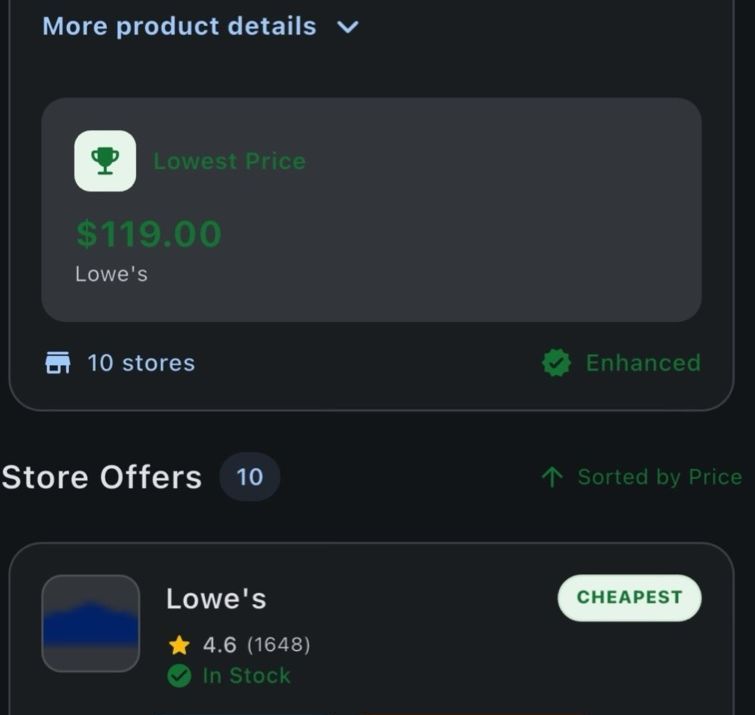
- Review matching offers across supported retailer sources, with stock status and price-match guidance when the retailer data is available.
- Decide in the aisle: ask for a match, buy it here because it's already the best price, or pick it up where it's cheaper.
Check camera permission
If the scanner shows a black screen, the app may not have camera access. On iPhone, go to Settings, find the app and turn on Camera. On Android, go to Settings, Apps, the app, Permissions, Camera. Picking a good scanner app matters too. See what to look for.
FAQ
Why won't a barcode scan with my phone?
The most common causes are glare, low light, holding the phone too close, a smudged lens, or scanning a store label instead of the product's barcode.
How far should I hold my phone from a barcode?
About 4–8 inches, with the whole barcode and a little space around it in the frame.
Can I type in a barcode number instead?
Yes. The digits printed under the barcode are the same code, and most scanner apps let you enter them manually.
Why can't I scan deli or produce labels for price comparison?
Store-printed weight labels and produce PLU stickers aren't product-specific barcodes, so they can't be compared across stores.
Scanning that just works.
Scan any barcode and compare the same item at 50+ supported retailer sources in one search. Free to start.
Keep reading
Price Match Paradise Team
We build the barcode price comparison app that helps shoppers find the lowest price on the item in their hand. Spotted a policy change? Let us know.