Price matches are usually denied because the item isn't identical (a different size or model number), the lower price is from a third-party seller, the competitor is out of stock, the price is an excluded sale or membership price, or the competitor isn't on the store's list. Check those five things before you ask, and show a live listing for the exact item.
8 reasons price matches get denied
| Reason | How to fix it |
|---|---|
| 1. Not the identical item | Match brand, size, model number and color. Compare by barcode, not by name. |
| 2. Third-party seller | Use prices sold and shipped by the retailer itself, not marketplace sellers. |
| 3. Out of stock | Check the competitor has it in stock right now. |
| 4. Excluded sale | Clearance, doorbusters, Black Friday and flash sales are commonly excluded. |
| 5. Membership or coupon price | Prime-only, club prices and coupon codes usually don't count. |
| 6. Not an accepted competitor | Check the store's list or ask which competitors it matches. |
| 7. Can't verify the price | Show a live page, not an old or cropped screenshot. |
| 8. The store doesn't match competitors | Target and Walmart only match their own prices now. |
The #1 problem: "that's not the same item"
Retailers often carry slightly different versions of the same product, such as a different pack size, a retailer-specific model number or a bundle with different accessories. To the store, those are different items, and they won't match them.
The barcode (UPC) is the simplest proof that two items are identical. If the barcode on the shelf item matches the competitor's product, you're comparing the same thing. See how to compare prices by scanning a barcode.
Pre-request checklist
- Does this store match competitors at all? See which stores still match.
- Same item? Brand, size, model, color, same barcode.
- Sold by the retailer and in stock?
- Regular or eligible sale price? Not clearance, membership-only or a coupon code.
- Live proof ready on your phone, with the store name visible.
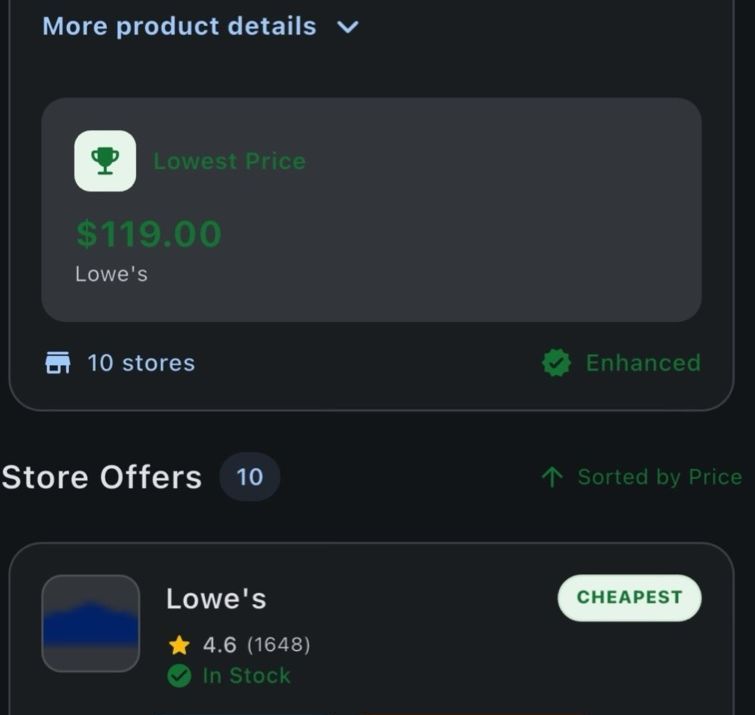
- Scan the barcode of the item on the shelf with Price Match Paradise. No account needed to start.
- Review matching offers across supported retailer sources, with stock status and price-match guidance when the retailer data is available.
- Decide in the aisle: ask for a match, buy it here because it's already the best price, or pick it up where it's cheaper.
If you still get a no
- Ask politely for a manager or customer service. They often have more discretion than the register.
- Ask about a price adjustment later if the store drops its own price. See stores that refund price drops.
- Buy it where it's cheaper if the difference is worth the trip, or order it for pickup.
FAQ
Why was my price match denied?
The most common reasons are a non-identical item, a third-party seller, an out-of-stock competitor, an excluded sale or membership price, a competitor the store doesn't accept, or a price the store couldn't verify.
Can a store refuse a price match?
Yes. Price matching is a store policy, not a legal requirement, and most policies give managers final say.
Do stores accept screenshots for price matching?
Many prefer a live listing they can verify. Old or cropped screenshots are often refused.
How do I prove two items are identical?
Compare the brand, size, model number and color. Matching barcodes (UPCs) are the clearest proof.
Get a yes on your next price match.
Scan the barcode, find the identical item at the lowest price, and show proof at checkout. Free to start.
Keep reading
Price Match Paradise Team
We build the barcode price comparison app that helps shoppers find the lowest price on the item in their hand. Spotted a policy change? Let us know.