To look up a product by barcode, enter the 12-digit UPC (or 13-digit EAN) printed under the bars into a barcode lookup or price comparison app. It identifies the exact brand, product and size, and a price comparison app also shows what that item costs at stores near you.
What a barcode lookup shows
- The exact product: brand, item, size and variant.
- Product details like packaging and category, depending on the database.
- Prices, if you use a price comparison app rather than a plain lookup tool.
A plain lookup tells you what something is. A price comparison scanner tells you where to buy it cheapest, which is usually the reason you're looking.
How to look up a UPC
- Find the number printed under the barcode, usually 12 digits (UPC) or 13 (EAN).
- Type it exactly, including any leading zero.
- Check the result matches the package: same brand, size and variant.
- Compare prices across stores near you.
- Scan the barcode of the item on the shelf with Price Match Paradise. No account needed to start.
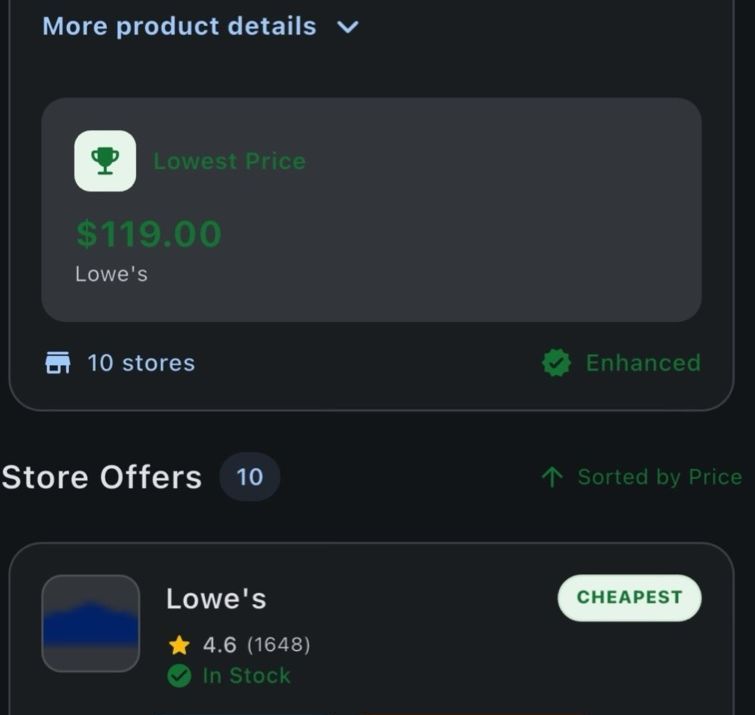
- Review matching offers across supported retailer sources, with stock status and price-match guidance when the retailer data is available.
- Decide in the aisle: ask for a match, buy it here because it's already the best price, or pick it up where it's cheaper.
Why a lookup returns nothing
| Cause | What to do |
|---|---|
| Typo or missing leading zero | Re-enter the digits carefully |
| New or regional product | Try again later, or search by name and size |
| Store-printed label (starts with 2) | Not a product code. Use the manufacturer's barcode |
| In-store code (starts with 4) | Store-specific, not comparable |
| Produce sticker | That's a PLU code, not a UPC |
More on what the digits mean in what the numbers on a barcode mean, and if scanning fails, see 9 quick fixes.
When a barcode lookup is handy
- Checking a price before you buy, without hunting through search results.
- Confirming two items are identical for a price match.
- Re-ordering the exact product you bought last time.
- Identifying an unlabeled item from a photo of its barcode.
FAQ
How do I look up a product by barcode?
Enter the 12-digit UPC or 13-digit EAN printed under the barcode into a lookup or price comparison app. It identifies the exact product, and a price app also shows local prices.
Can I search by UPC number instead of scanning?
Yes. The number under the barcode is the same code the scanner reads, so typing it works when a scan fails.
Why does my barcode lookup return no results?
Common causes are a typo, a missing leading zero, a new or regional product, or a store-printed label that isn't a product code.
Is a UPC lookup free?
Many tools and apps are free to use. Price Match Paradise is free to download and needs no account to start.
From barcode to best price.
Scan or look up any product and compare 50+ supported retailer sources in one search. Free to start.
Keep reading
Price Match Paradise Team
We build the barcode price comparison app that helps shoppers find the lowest price on the item in their hand. Spotted a policy change? Let us know.